SQL examples use PostgreSQL unless another dialect is named. Short snippets assume their referenced tables already exist. Validate DDL in your target database before applying it.
Why Convert Spreadsheets to SQL?
Many useful datasets begin in spreadsheets: exports from CRMs, operations reports, product catalogs, finance sheets, support tickets, and prototype data models. That format is convenient for people, but applications need structured tables with column types, repeatable inserts, and clear constraints.
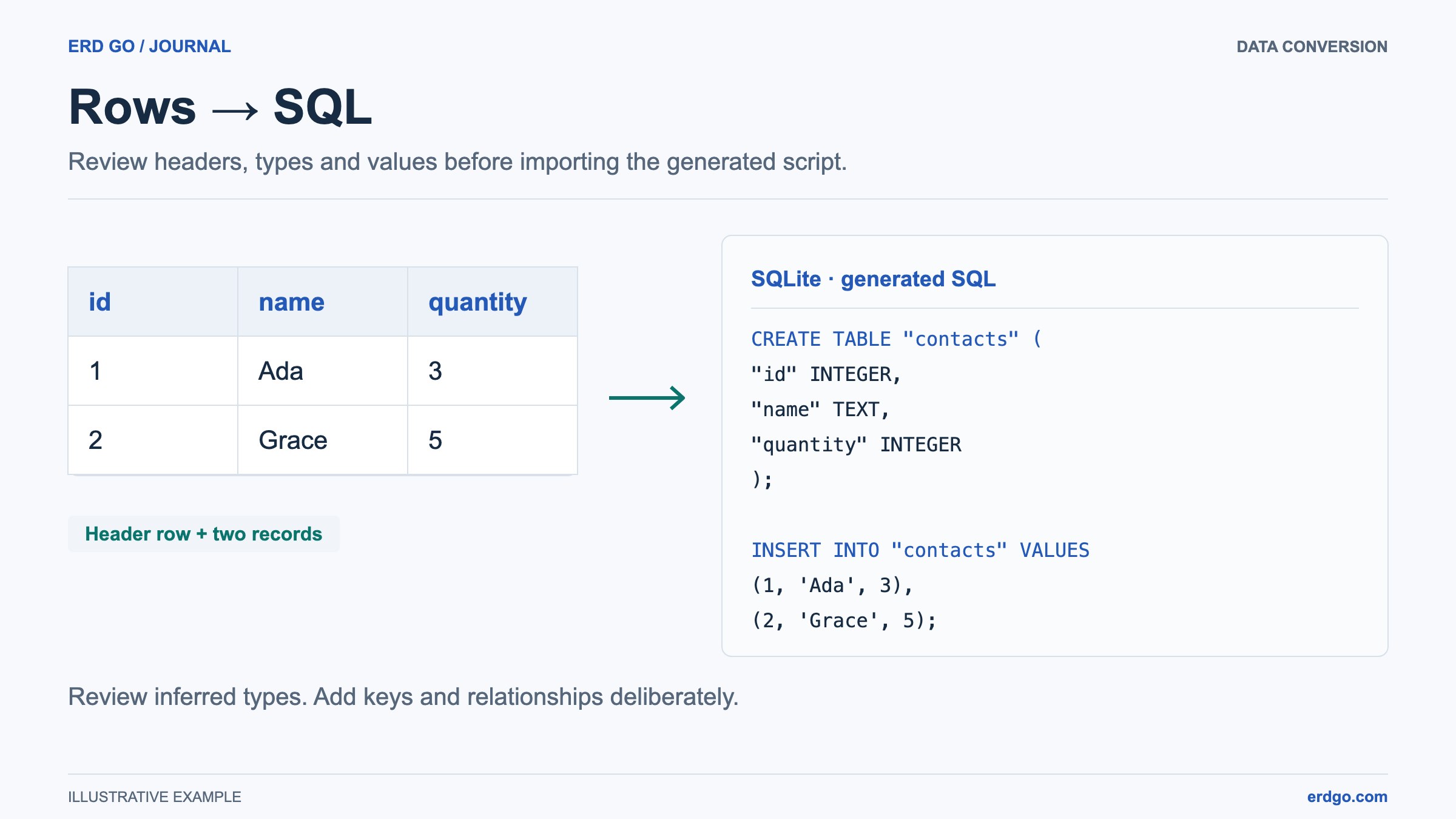
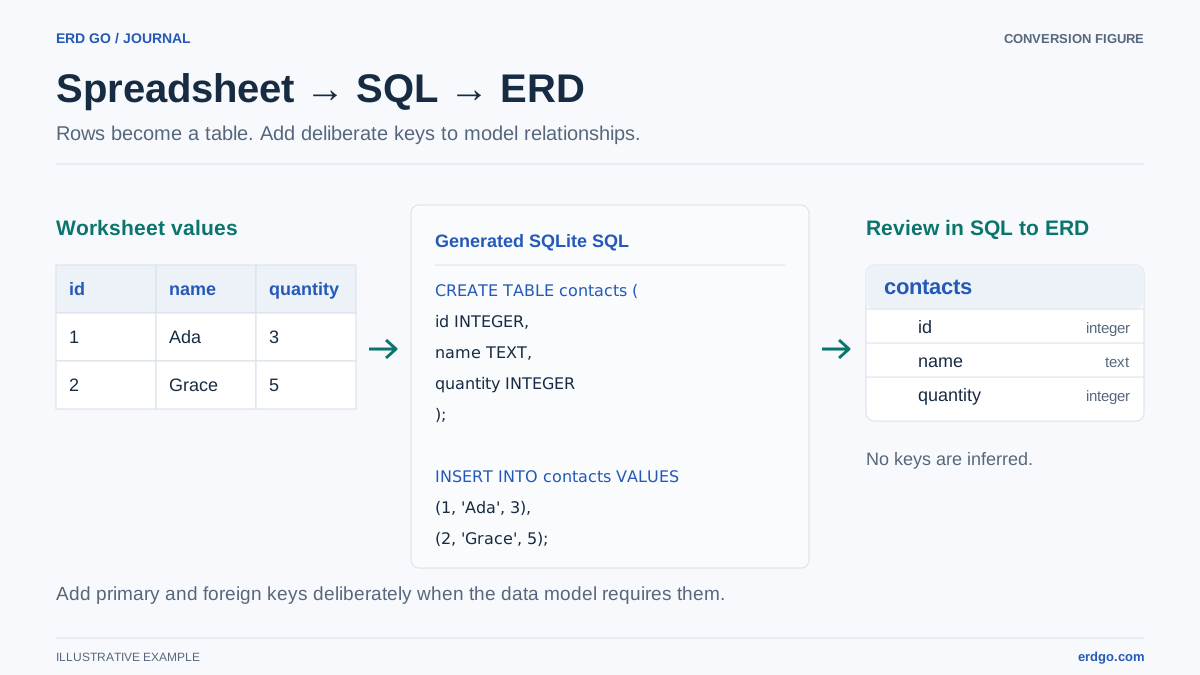
Converting an Excel or CSV file to SQL helps you move from ad hoc data to a real database workflow. With the Erd Go spreadsheet to SQL converter, you can upload .xlsx, .csv, .tsv, or .txt files, preview inferred columns, and generate CREATE TABLE plus INSERT statements in the browser.
What Good Spreadsheet Conversion Should Do
A useful converter does more than wrap every cell in quotes. It should inspect your data and create SQL that is close to the table you would have written by hand.
- Infer data types. Numbers should become numeric columns, dates should become date or timestamp columns, and boolean-like values should not be stored as vague text forever.
- Normalize column names. Headers such as
Customer EmailorOrder Dateshould become stable SQL identifiers likecustomer_emailandorder_date. - Preview rows before export. A preview catches empty columns, merged-cell artifacts, accidental totals rows, and other spreadsheet habits that do not belong in a database import.
- Generate reviewable SQL. Review output before running it in a database. Re-running CREATE TABLE or INSERT statements is not automatically idempotent and may fail or duplicate rows.
Example: CSV to CREATE TABLE
Imagine a CSV export with orders from a small shop:
order_id,customer_email,total,status,ordered_at
1001,[email protected],59.90,paid,2026-05-20
1002,[email protected],18.50,pending,2026-05-21
1003,[email protected],42.00,paid,2026-05-22
Here is a reviewed PostgreSQL example, not a byte-for-byte promise of inferred output. Inspect precision, leading zeros, date formats, and nullable values before export:
CREATE TABLE orders_import (
    order_id        INTEGER,
    customer_email  TEXT,
    total           NUMERIC(10, 2),
    status          TEXT,
    ordered_at      DATE
);

INSERT INTO orders_import
    (order_id, customer_email, total, status, ordered_at)
VALUES
    (1001, '[email protected]', 59.90, 'paid', '2026-05-20'),
    (1002, '[email protected]', 18.50, 'pending', '2026-05-21'),
    (1003, '[email protected]', 42.00, 'paid', '2026-05-22');
From there, you can refine the schema by adding a primary key, a status check, foreign keys to a real customers table, and indexes for frequent filters.
Spreadsheet Cleanup Checklist
Before converting a spreadsheet to SQL, spend a minute cleaning the file. The resulting SQL will be much better.
- Keep one header row at the top and remove title rows, notes, and visual-only separators.
- Remove subtotal and grand-total rows unless they are real records.
- Use one data type per column. Mixed values like numbers plus "N/A" force weaker SQL types.
- Split overloaded fields such as full addresses into useful columns when the app needs to query them separately.
- Choose a target table name that describes the data, not the file name.
Type inference does not discover business keys or foreign keys. Check identifiers stored as text, ambiguous dates, and decimal precision. After conversion, paste the generated CREATE TABLE into the Erd Go SQL to ERD editor to see the table visually and decide what relationships, constraints, and indexes still need to be added.