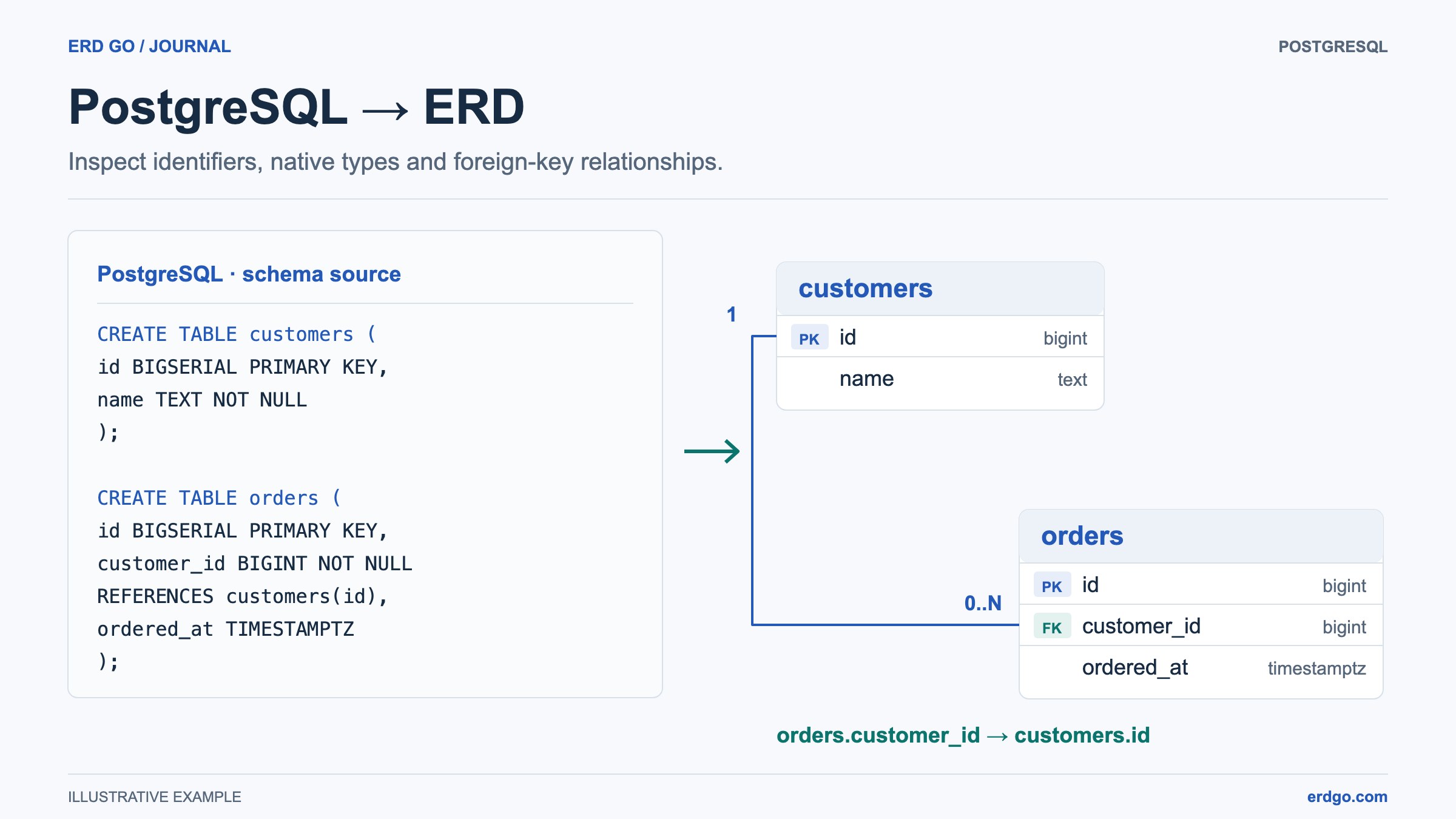
SQL examples use PostgreSQL unless another dialect is named. Short snippets assume their referenced tables already exist. Validate DDL in your target database before applying it.
Why PostgreSQL Schemas Need Good Diagrams
PostgreSQL schemas often contain more than simple tables. Real projects use ENUM types, identity columns, schema-qualified names, JSON fields, array types, composite keys, generated columns, partial indexes, and foreign keys with cascading rules. A diagram helps the team understand all of that structure faster than reading DDL line by line.
A PostgreSQL ERD generator reads your DDL and creates an entity relationship diagram with tables, columns, primary keys, foreign keys, and constraints. The Erd Go SQL to ERD editor supports PostgreSQL-style schema definitions so you can paste DDL and inspect the model immediately.
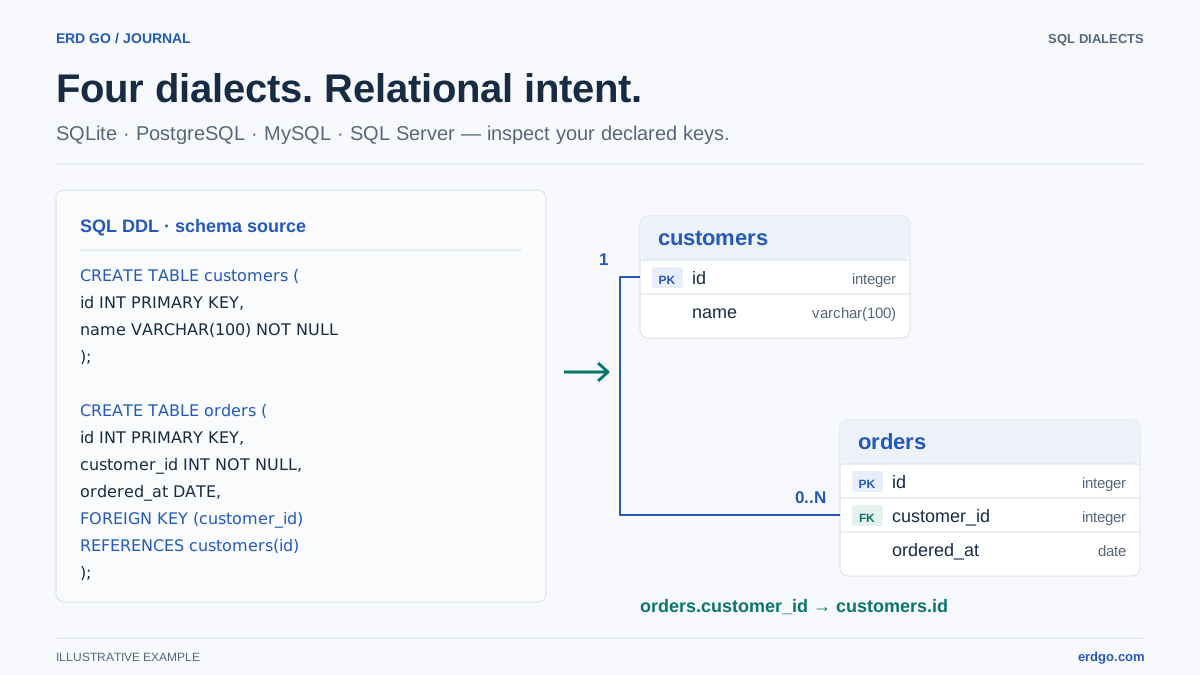
PostgreSQL Features Worth Visualizing
When choosing a Postgres diagram workflow, make sure the tool understands the database features your application actually uses.
- Identity and serial columns. Primary keys such as
SERIAL,BIGSERIAL, andGENERATED ALWAYS AS IDENTITYshould be recognized as generated identifiers. - Custom types.
CREATE TYPE ... AS ENUMvalues should remain visible instead of being flattened into generic strings. - Foreign keys. Inline
REFERENCESand named table-level constraints both need to produce diagram relationships. - Schema-qualified objects. Names such as
billing.invoicesandauth.usersshould remain understandable in the diagram.
Example PostgreSQL DDL
Paste this example into the editor to generate a PostgreSQL-flavored ERD:
CREATE TYPE order_status AS ENUM ('draft', 'paid', 'shipped', 'cancelled');

CREATE TABLE customers (
    id          BIGINT GENERATED ALWAYS AS IDENTITY PRIMARY KEY,
    email       TEXT NOT NULL UNIQUE,
    full_name   TEXT NOT NULL,
    metadata    JSONB DEFAULT '{}'::jsonb,
    created_at  TIMESTAMPTZ NOT NULL DEFAULT now()
);

CREATE TABLE orders (
    id          BIGINT GENERATED ALWAYS AS IDENTITY PRIMARY KEY,
    customer_id BIGINT NOT NULL REFERENCES customers (id),
    status      order_status NOT NULL DEFAULT 'draft',
    total       NUMERIC(12, 2) NOT NULL CHECK (total >= 0),
    tags        TEXT[] DEFAULT ARRAY[]::TEXT[],
    created_at  TIMESTAMPTZ NOT NULL DEFAULT now()
);

CREATE TABLE order_events (
    id          BIGSERIAL PRIMARY KEY,
    order_id    BIGINT NOT NULL REFERENCES orders (id) ON DELETE CASCADE,
    event_name  TEXT NOT NULL,
    payload     JSONB NOT NULL DEFAULT '{}'::jsonb,
    created_at  TIMESTAMPTZ NOT NULL DEFAULT now()
);

CREATE INDEX idx_orders_customer_id ON orders (customer_id);
CREATE INDEX idx_order_events_order_id ON order_events (order_id);
The important relationships are customers → orders and orders → order_events. The custom enum, JSONB columns, arrays, checks, and indexes add implementation detail without hiding the core data model.
Postgres ERD Workflow
For teams using PostgreSQL, a SQL-first diagram workflow is usually the most reliable.
- Export or copy the current DDL from your migration files, schema dump, or pull request.
- Paste it into Erd Go to generate the diagram automatically.
- Move important tables into readable clusters such as auth, billing, catalog, and audit.
- Use the diagram during review to check missing foreign keys and confusing ownership boundaries.
- After the migration is approved, regenerate the ERD from the updated DDL so the diagram stays in sync.