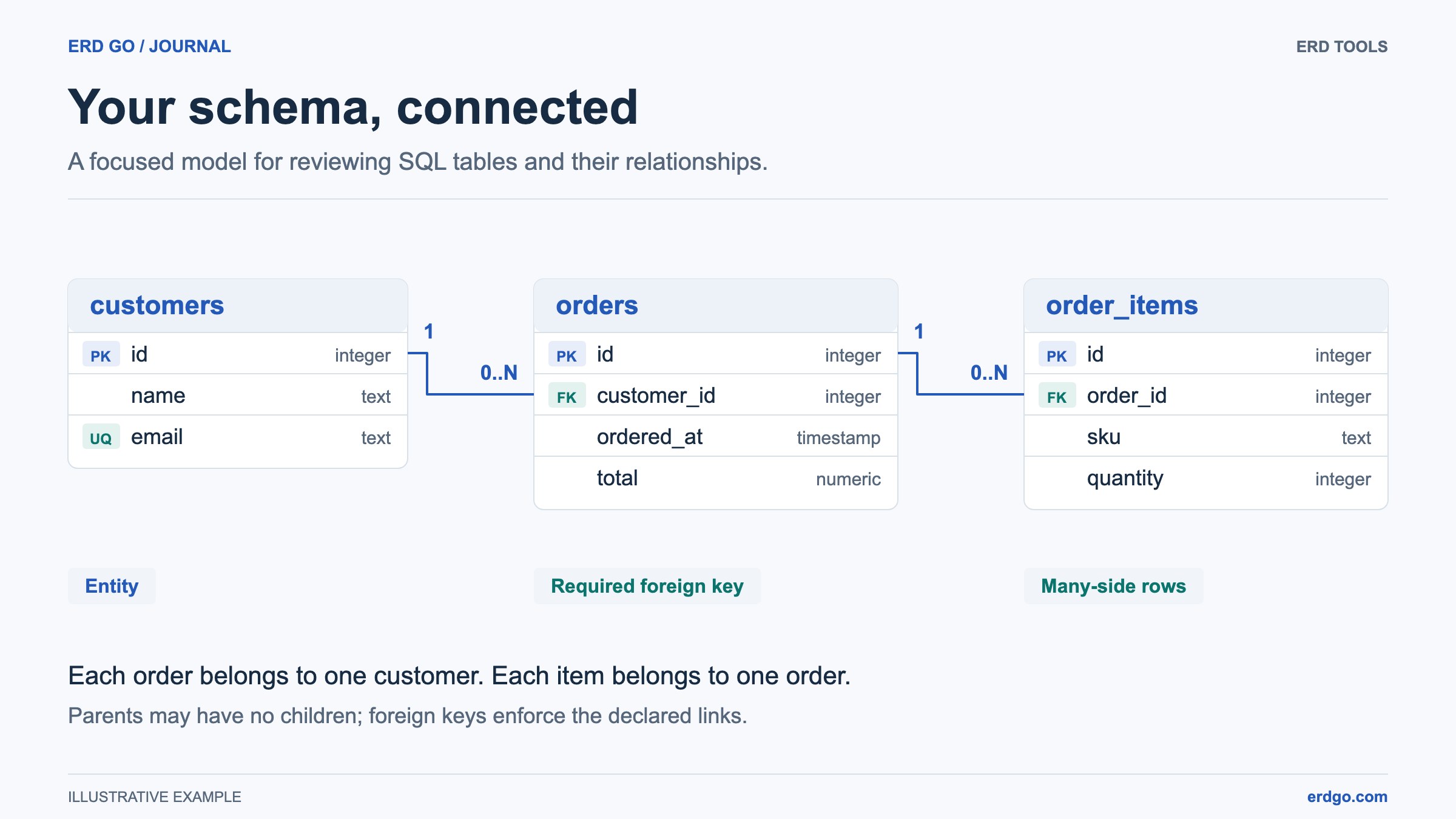
SQL examples use PostgreSQL unless another dialect is named. Short snippets assume their referenced tables already exist. Validate DDL in your target database before applying it.
What Makes a Good Online ERD Tool?
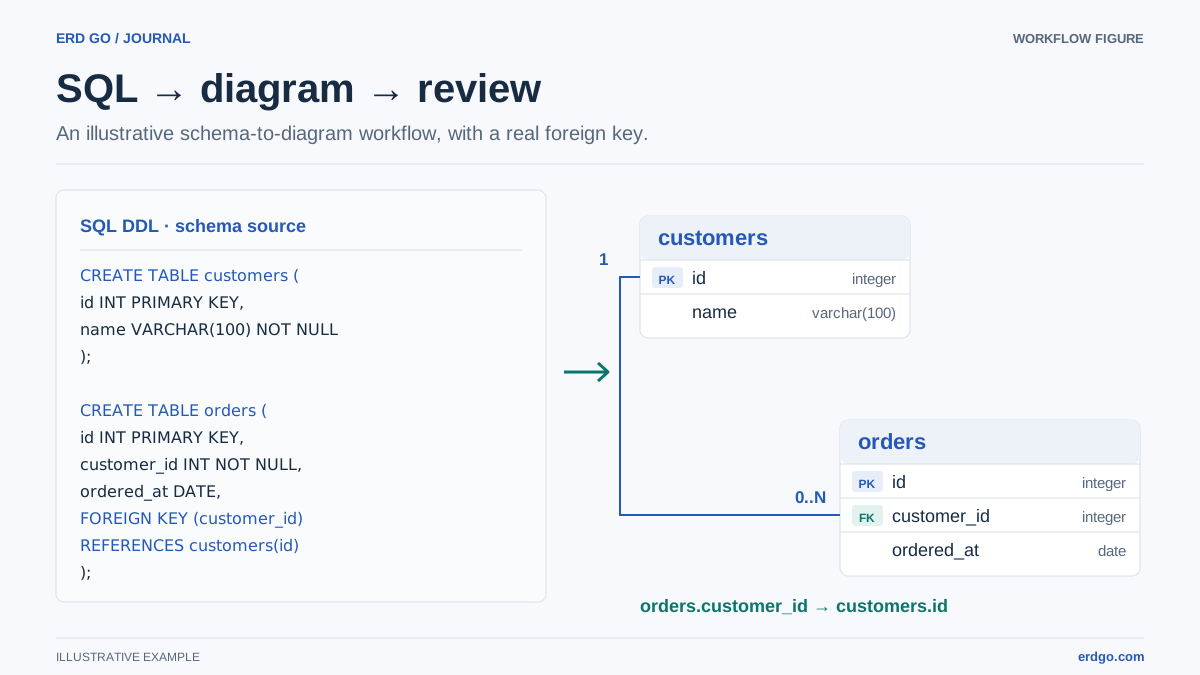
A good ERD tool should help you design and understand a database, not force you to redraw work that already exists in SQL. For developers, the best workflow is usually SQL-first: paste DDL, generate a diagram, adjust the layout, then keep the diagram close to the source schema.
Erd Go is built around that workflow. It lets you create database diagrams from SQL, edit the schema, preview relationships, and export an image without installing a desktop modeling tool. Public link sharing requires signing in and saving the document.
Features to Look For
When evaluating a free online ERD tool, use a practical checklist instead of focusing only on how the first screen looks.
- SQL import. You should be able to paste
CREATE TABLEstatements and get a diagram without manually creating every table. - Foreign-key detection. Relationships should come from real
FOREIGN KEYandREFERENCESclauses. - Editable output. Auto-layout is helpful, but you still need to move tables into a layout that makes sense for humans.
- Dialect awareness. PostgreSQL, MySQL, SQL Server, and SQLite all have syntax differences that a serious tool should handle.
- Export and sharing. A diagram is most valuable when it can live in documentation, pull requests, planning docs, and team conversations.
A SQL-First ERD Example
Start with a small schema like this:
CREATE TABLE teams (
    id          INTEGER PRIMARY KEY,
    name        VARCHAR(120) NOT NULL UNIQUE
);

CREATE TABLE members (
    id          INTEGER PRIMARY KEY,
    team_id     INTEGER NOT NULL REFERENCES teams (id),
    email       VARCHAR(255) NOT NULL UNIQUE,
    role        VARCHAR(40) NOT NULL DEFAULT 'member'
);

CREATE TABLE projects (
    id          INTEGER PRIMARY KEY,
    team_id     INTEGER NOT NULL REFERENCES teams (id),
    name        VARCHAR(160) NOT NULL,
    created_at  TIMESTAMP DEFAULT CURRENT_TIMESTAMP
);
In a SQL-first ERD tool, this becomes a diagram with teams at the center and one-to-many relationships to members and projects. You can immediately see ownership and ask better design questions: Should project names be unique per team? Should deleting a team be restricted? Do members need project-level permissions?
When to Use Erd Go
Erd Go is especially useful when the schema already exists or when SQL is the clearest source of truth.
- Reverse-engineer a database schema into a diagram for onboarding.
- Plan a new feature by editing SQL and seeing relationships update visually.
- Review a pull request that changes database structure.
- Convert spreadsheet data with the spreadsheet to SQL tool, then visualize the generated table.
- Review changed DDL in the editor before writing migration notes.