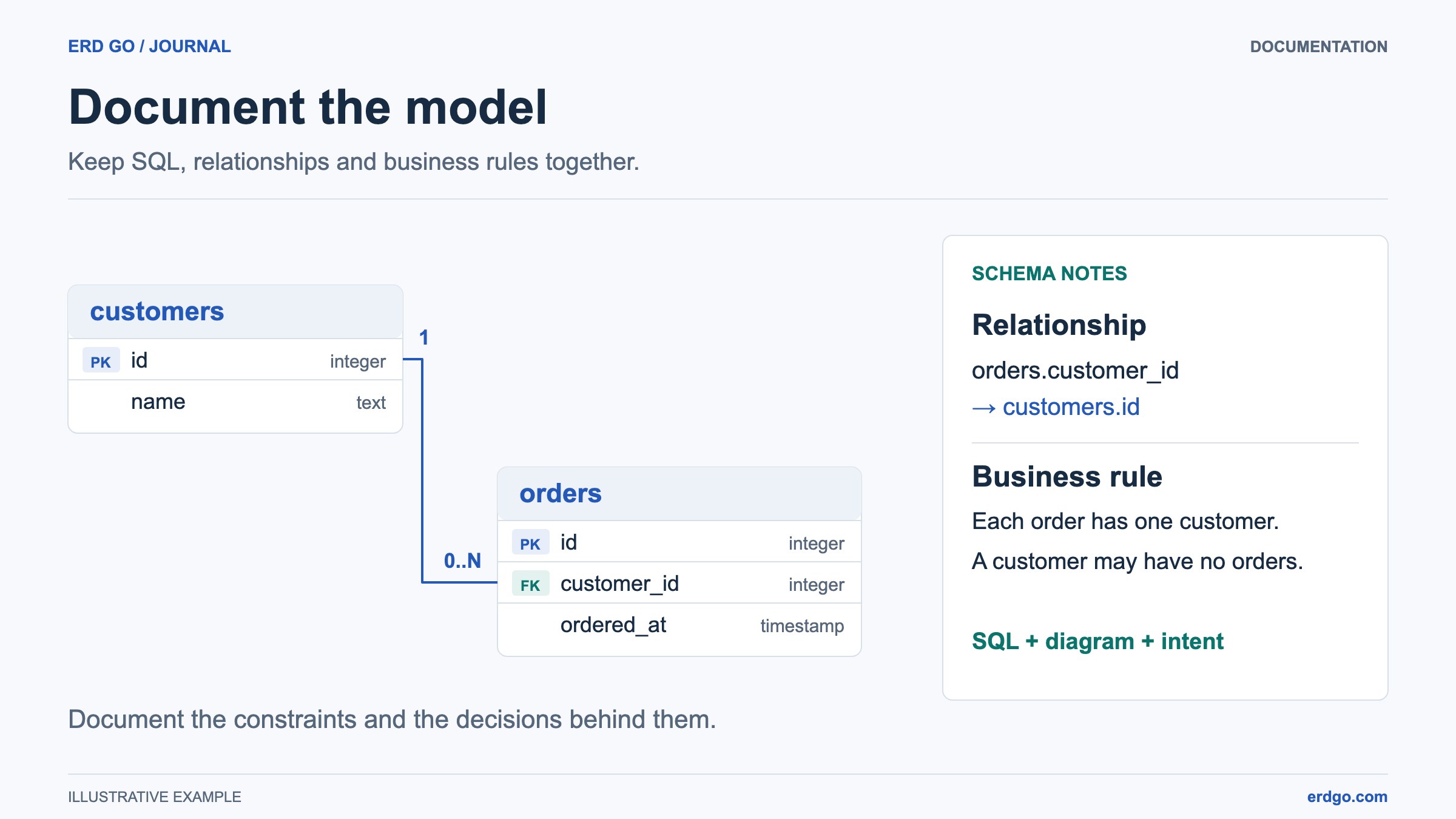
SQL examples use PostgreSQL unless another dialect is named. Short snippets assume their referenced tables already exist. Validate DDL in your target database before applying it.
Why Database Documentation Fails
Database documentation often goes stale because it is written separately from the schema. Someone creates a diagram during the first design sprint, the database changes for six months, and the documentation quietly becomes misleading.
A better approach is to keep documentation close to the SQL source. Generate diagrams from DDL, add short explanations for tables and relationships, and update the docs whenever the schema changes.
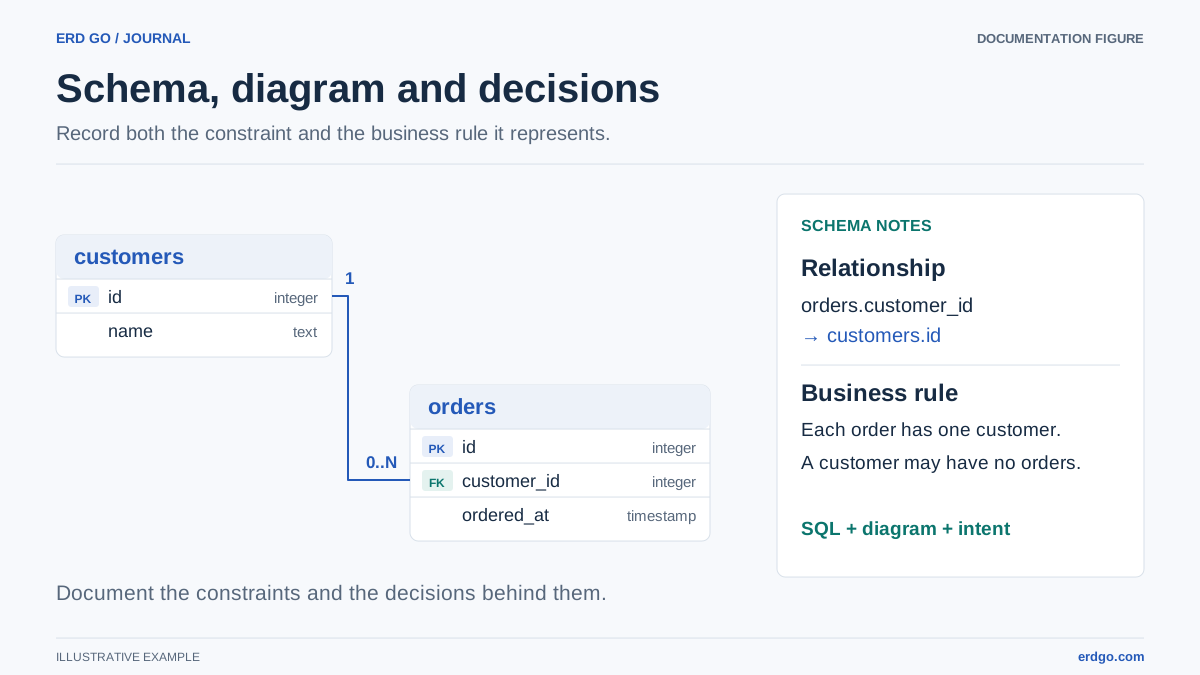
What to Include in Schema Documentation
Useful database documentation answers the questions developers actually ask while building features and debugging production data.
- An ERD. Show tables, primary keys, foreign keys, and the main relationship paths.
- Table purpose notes. Explain why each major table exists and which feature owns it.
- Relationship rules. Call out cardinality, optional relationships, and cascading actions.
- Important constraints. Document unique keys, checks, enum values, and business rules enforced by SQL.
- Migration context. Link schema changes to the feature, bug fix, or operational reason behind them.
Example Documentation Block
A lightweight documentation entry can pair SQL with plain-language notes:
CREATE TABLE accounts (
    id BIGINT GENERATED ALWAYS AS IDENTITY PRIMARY KEY,
    name TEXT NOT NULL
);

CREATE TABLE invoices (
    id          BIGINT GENERATED ALWAYS AS IDENTITY PRIMARY KEY,
    account_id  BIGINT NOT NULL REFERENCES accounts (id),
    status      VARCHAR(30) NOT NULL DEFAULT 'draft',
    total       NUMERIC(12, 2) NOT NULL CHECK (total >= 0),
    due_date    DATE,
    created_at  TIMESTAMPTZ NOT NULL DEFAULT now()
);

CREATE TABLE invoice_payments (
    id          BIGINT GENERATED ALWAYS AS IDENTITY PRIMARY KEY,
    invoice_id  BIGINT NOT NULL REFERENCES invoices (id) ON DELETE CASCADE,
    amount      NUMERIC(12, 2) NOT NULL CHECK (amount > 0),
    paid_at     TIMESTAMPTZ NOT NULL DEFAULT now()
);
Documentation notes might say: an account has many invoices, invoices have many payment records, and payment rows are deleted if a test invoice is deleted. In production systems with audit requirements, you might replace cascading deletes with restricted deletes and archival records.
A Practical Documentation Workflow
Here is a workflow that keeps docs useful without turning documentation into a full-time job.
- Start with the SQL schema and generate an ERD in the Erd Go editor.
- Export the diagram or sign in, save it, and share a read-only public link when the schema is appropriate for public access. Use image exports for private documentation.
- Add one short paragraph for each important table cluster: auth, billing, orders, content, audit, or reporting.
- Regenerate the ERD from updated SQL during migrations so the documentation reflects what changed.
- Keep syntax examples in sync with the Erd Go DDL documentation so future contributors can reproduce the diagram.
The goal is not a perfect encyclopedia. The goal is a living map that helps people understand the database quickly and trust what they are reading.